Back
Context
Open-source CLI that turns codebases into structured, AI-ready context for working more efficiently with AI tools.
Period
Sep 2026 - Sep 2026
Repository
View repository
(opens in a new tab)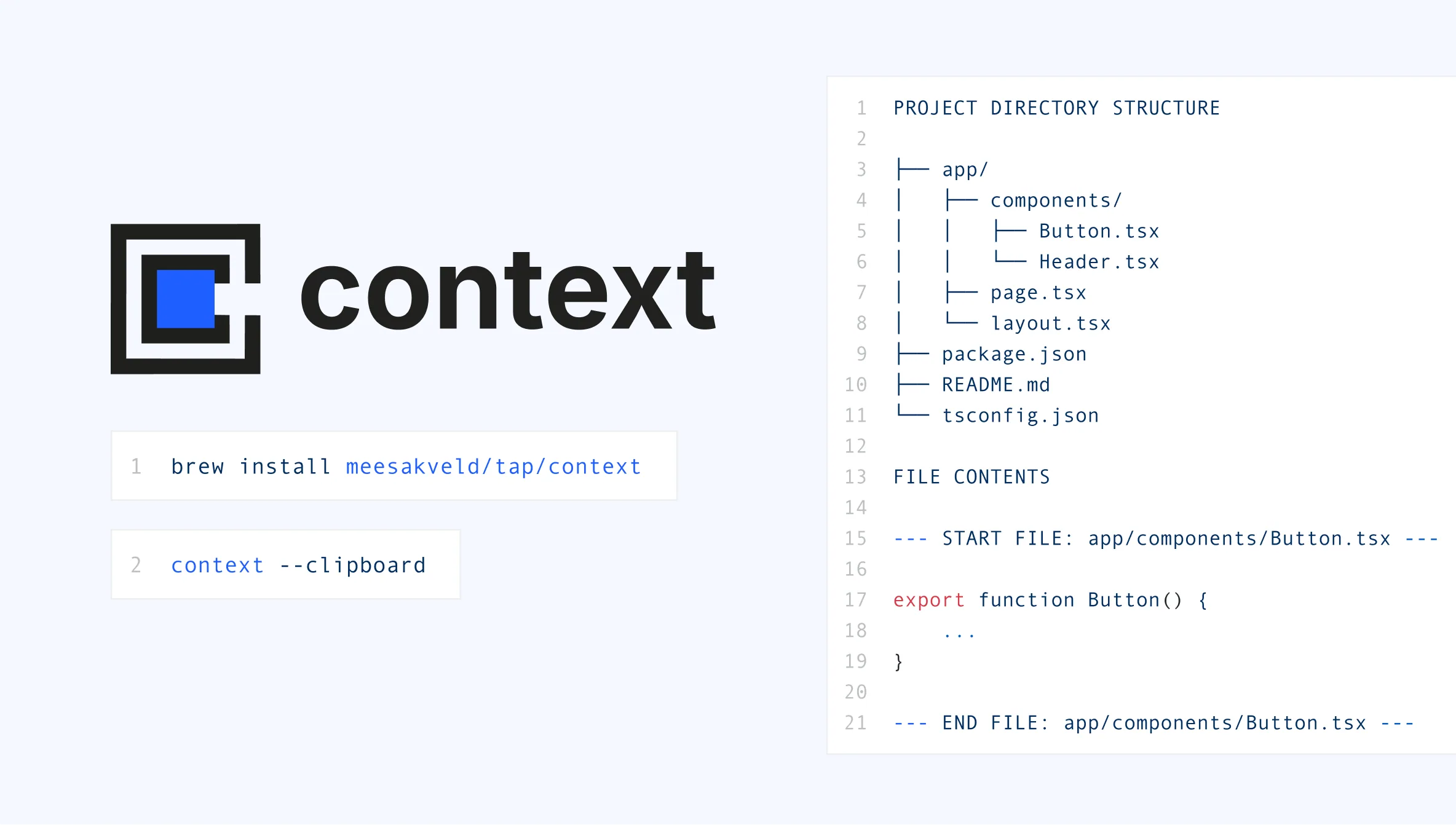
Overview
Context is an open-source CLI that turns project structures and relevant files into a single structured context that can be used directly with AI tools such as ChatGPT and Gemini.
The project started from a simple need while developing. When working with AI tools, I often had to manually copy and provide multiple files along with the project structure. I was looking for a way to simplify this process while being able to provide more context from a project.
I created a script that automatically combined the directory tree and relevant file contents into a single text file. This worked well and gave ChatGPT and Gemini a much better overview of the project, without having to search for and copy different files each time.
When I started working on another project, I noticed that I wanted to use the same functionality again. Rather than having to find and copy the script each time, I decided to turn it into a standalone CLI that could be installed system-wide.
Challenge
AI tools need enough project context to properly understand an existing codebase. Manually collecting that context is time-consuming and means that I have to select and copy files again for every new chat.
At the same time, simply providing an entire codebase is not ideal. Dependencies, build output, cache files, binaries and other generated files add little value and make the context unnecessarily large.
I therefore wanted a solution that would automate the process of collecting context while still giving me control over which parts of a project are included.
Solution
I built Context in Go as a cross-platform CLI that can be run from any project. The CLI generates a directory tree and collects the contents of relevant text files into a single structured output.
Common dependency, build, cache and IDE directories are automatically excluded. Binary files and files exceeding a configured size limit are skipped as well. With .contextignore, I can also define which files or directories should be excluded on a per-project basis.
The CLI also supports explicit include and exclude patterns, environment files, separate tree and file output, statistics and multiple output formats including text, Markdown and JSON.
Since I wanted to use the tool across different projects without copying it from project to project, I built it as a single cross-platform Go binary for macOS, Linux and Windows. I automated the builds and releases with GitHub Actions and GoReleaser. I also set up my own Homebrew tap so that Context can be installed and updated directly from the terminal.
Results
Context makes it possible to generate a complete, structured project context with a single command and provide it directly to an AI tool. This means I no longer have to manually select and copy files or explain the project structure.
Since I wanted to use the tool across different projects, I built it as a cross-platform CLI that can be installed system-wide. Context is available for macOS, Linux and Windows and can be installed through GitHub or Homebrew. The configuration can also be adjusted per project using .context.yaml and .contextignore.
What started as a small script I used for a single project has grown into an open-source developer tool that I now use across different projects. Collecting project context has therefore become a regular part of how I work with AI tools.
Context is open source and available on GitHub (opens in a new tab). Anyone who wants to try the tool can install it directly and use it in their own project.